How to Export an X (Twitter) Follower List to CSV
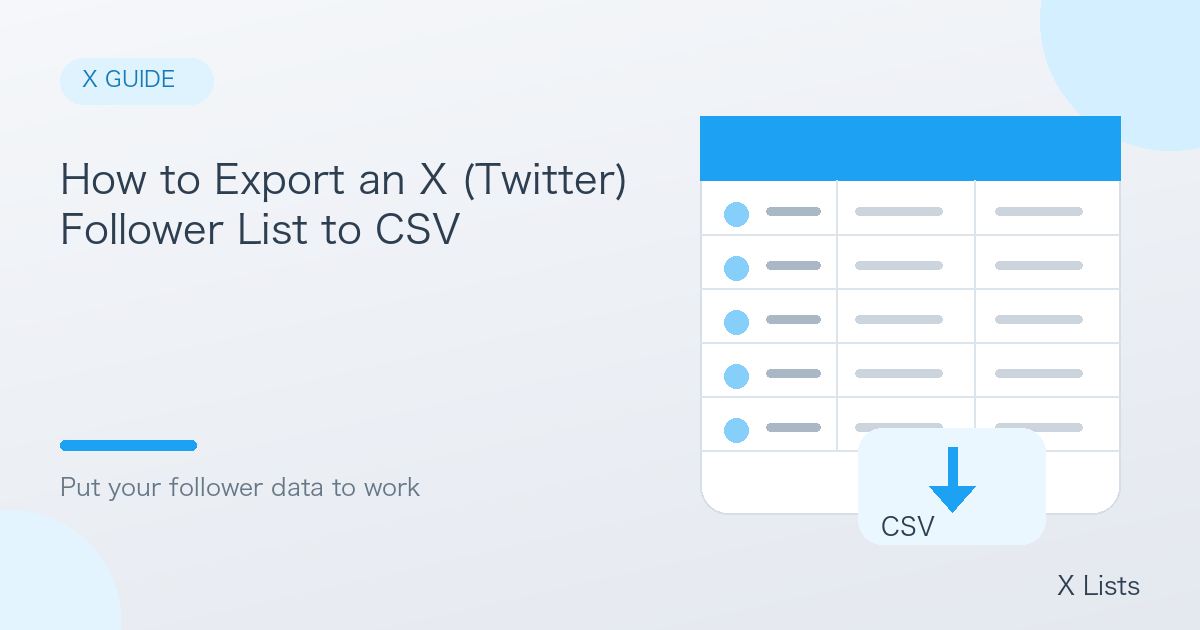
If you have ever wanted to analyze who follows a particular X (formerly Twitter) account, you have probably noticed that neither the app nor the website lets you export followers to CSV or Excel. Scrolling and copying by hand stops being practical once an account has more than a few hundred followers.
This article walks through exporting a follower or following list to CSV with X Lists, and shows a few ways to put the data to work.
Why export followers to CSV?
Once your followers are in a spreadsheet, you can:
- Understand a competitor's audience — who follows them, and how influential those followers are
- Analyze your own fans — find followers with large audiences of their own
- Discover influencers — look at who the leading accounts in a niche follow
- Sort and filter freely in Excel or Google Sheets
Patterns that are invisible on a scrolling timeline become obvious in a table.
Exporting a follower list with X Lists
1. Create an account and log in
Click "Start for free" on the X Lists home page and sign up with Google or your email address. New accounts receive free credits to get started.
2. Choose what to extract and from which account
Select "Followers" or "Following", then enter the account URL (https://x.com/username) and how many accounts you want.
3. Download the CSV when it is ready
Extraction runs in the background and the finished job appears in your job list. Click CSV download and open the file in Excel or Google Sheets.
Besides followers and following, the same steps work for people who replied to a post and people posting about a keyword.
What the CSV includes
| Field | Use it for |
|---|---|
| Username, display name, profile URL | Identifying the account |
| Bio, location | Understanding job, interests and region |
| Followers / following | Gauging influence |
| Posts, likes, media count | Gauging activity |
| Verified badge | Spotting official or notable accounts |
Ideas for using the data
- Sort by follower count to build a shortlist of influential accounts for partnerships or PR
- Search bios for keywords such as "marketer", "beauty" or "engineer" to pull out a specific audience
- Export regularly and compare to see how an audience grows or changes over time
A note on responsible use
Please use exported data in line with X's Terms of Service and applicable laws. Mass automated DMs or spam based on a list can get accounts suspended, so avoid them.
Summary
Exporting followers to CSV is not possible with X's own tools, but with X Lists it only takes an account URL and the number of accounts you want. Try it with your own account or a competitor's and start treating your audience as data.