Build Targeted X Lists by Filtering on Followers, Engagement and Verification
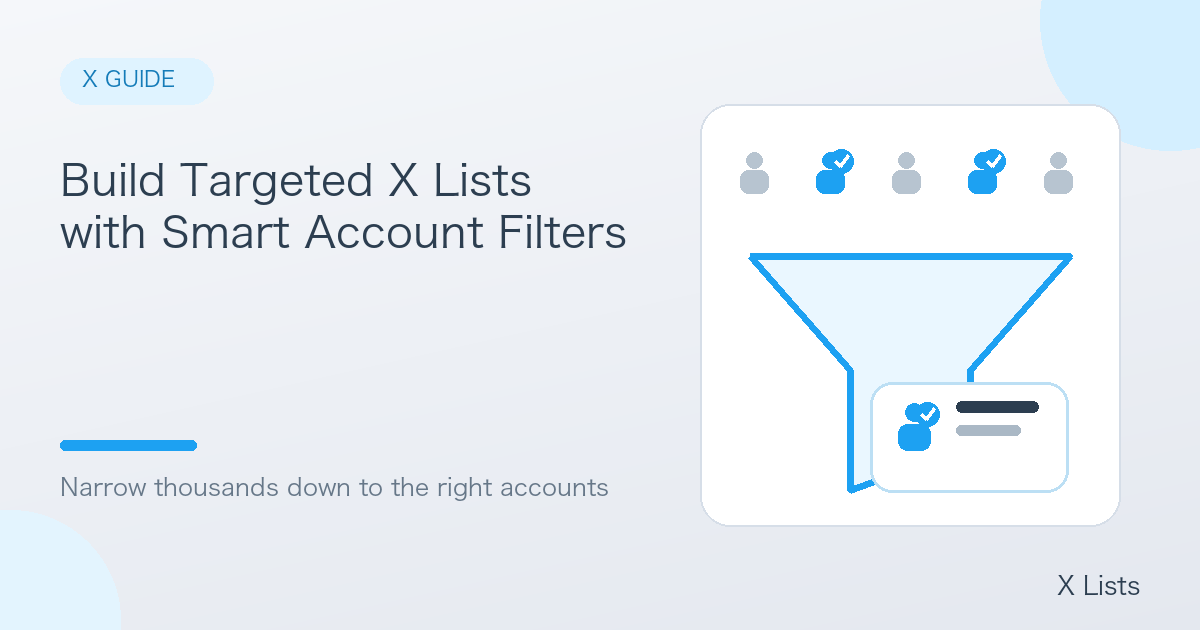
A follower list can easily contain thousands or tens of thousands of accounts. Nobody can review all of them, so narrowing the list down to the accounts that match your goal is what makes it useful.
This article shares tips for filtering the CSV you export from X Lists in a spreadsheet.
Fields you can filter on
Each account in an X Lists CSV comes with information such as:
- Follower and following counts
- Posts, likes and media (image and video) counts
- Verified badge
- Bio and location
With the filter feature in Excel or Google Sheets, you can combine these and keep only the accounts that match.
Suggested filters by goal
| Goal | Example filter |
|---|---|
| Find influencer candidates | 10k+ followers and a high media count |
| Find industry key people | Verified and an industry keyword in the bio |
| Find engaged fans | Many likes and posts, moderate following count |
| Focus on a region | Location contains "London", "New York", etc. |
| Remove spam and dormant accounts | Exclude accounts that follow far more than follow them, or that rarely post |
Bio keywords are powerful
Numbers do not tell you who someone is — their bio does. Keeping only accounts whose bio contains keywords like "marketer", "founder" or "designer" sharply improves list accuracy.
Check the follower-to-following ratio
Accounts that follow far more people than follow them back are often follow-for-follow or spam accounts. Excluding them improves list quality.
How to approach filtering
- Start with loose conditions — overly strict filters drop good accounts too
- Add conditions while watching the count — tighten if there are too many results, loosen if too few
- Spot-check the top results — open a few accounts from the profile URL column and make sure they really fit your goal
Choose a better source, too
Where you extract from matters as much as how you filter. Beyond a competitor's followers, extracting people who replied to a popular post, or people posting about a specific keyword, gives you an audience that is already engaged.
Summary
Filtering an exported CSV turns a huge list into a focused list of the accounts you actually need. Decide your goal first, then combine the conditions that fit it.